

Futures Order Types
ABCEX futures support four order types: Market, Limit, Take Profit, and Stop Loss. This article explains when to use each one.
Overview
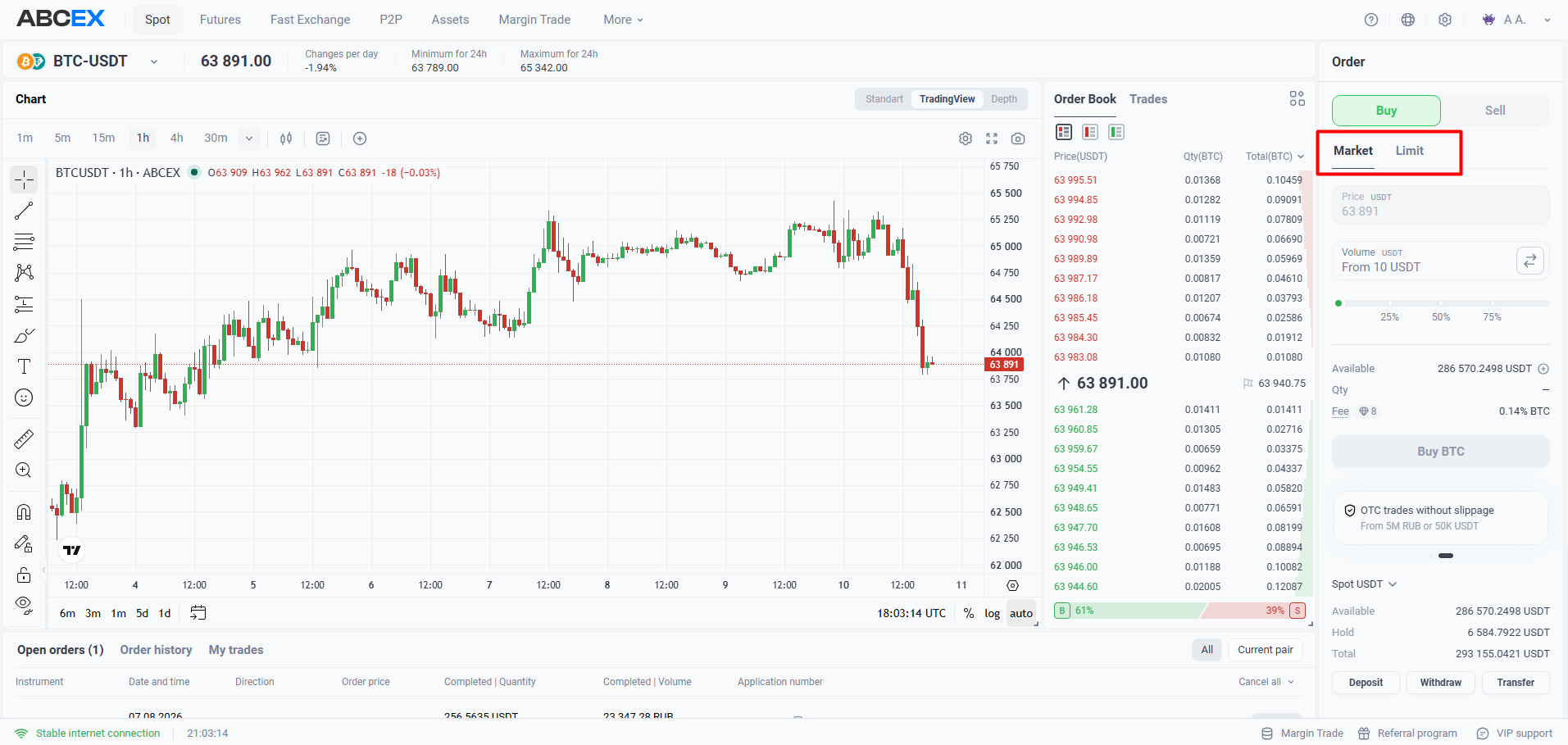
- Market order (Market) — Executes immediately at the best available order book price. Use it when speed matters; the taker fee applies.
- Limit order (Limit) — Waits in the order book at the price you specify and executes only when the market reaches that price; the maker fee applies.
- Take Profit (TP) — Automatically closes a position at the target price to lock in profit.
- Stop Loss (SL) — Closes a position when the market moves against you to limit losses. It is essential when trading with leverage.
Take Profit
Set TP above the current price for a long trade, below for a short trade. When the market reaches the level, the position is closed automatically. You can set it immediately when opening a position or later.
Stop Loss
SL limits losses. Set it below the current price for a long position and above the current price for a short position. The position closes when the price reaches that level.
Place both orders at once. The position closes when either the target or stop price is reached, and the other order is canceled automatically.
Without a stop, a single adverse move with leverage can wipe out your entire margin. Using a Stop Loss is a basic risk-management practice.